






Afspraak maken
Menu
Sluiten
Afspraak maken
Menu
Sluiten
Afspraak maken
Menu
Sluiten
Multiple-choice quiz inside HubSpot
In this video, I'll show you how you can build a multiple-choice quiz inside #HubSpot with a custom module and some Vanilla #JavaScript

Bekijk video - 10 min
Teun Rutten

In this video

In this video, I'll show you how you can build a multiple-choice quiz inside #HubSpot with a custom module and some Vanilla #JavaScript. There are multiple ways you can build custom forms inside HubSpot;

✅ You can build a custom form with HTML or something like React and store the data in HubSpot using the Form Submission API

✅ Or you can create a custom form with HTML and store the information directly in an embedded HubSpot form In this video, I went with the last option, and as a bonus, I added functionality that will redirect the user to a different thank you page depending on the answer given. If you need custom elements in your HubSpot CMS website, make sure to reach out to Bright Digital #HubSpotTipsAndTricks #BuiltWithHubSpot #HubSpotAdvocate #Developers #Development

Teun Rutten
Over Teun Rutten
Teun is lead developer at Bright Digital. He loves developing for the HubSpot CMS, but gets really excited for API work, NodeJS applications and React.
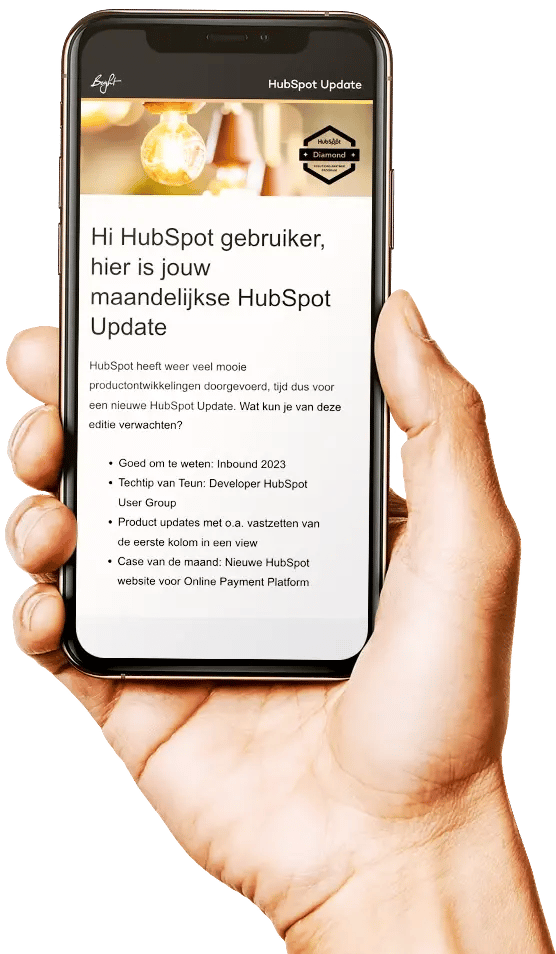

Hé HubSpot fan! Ontvang ook dé maandelijkse HubSpot updates in jouw mailbox

Hé HubSpot fan! Ontvang ook dé maandelijkse HubSpot updates in jouw mailbox

HubSpot newsletter